

Kwikset door knobs and locks are for homeowners replacing front-door hardware or fitting interior doors. You can keep keyed entry with a lock you can re-key yourself, or use a touchpad for keyless entry. Start with what each door needs to do, then choose the shape and finish.
Kwikset makes residential locks and door hardware. Adolf Schoepe and Karl Reinhard founded the company in 1946. Today, Kwikset is an ASSA ABLOY brand.
Match the hardware to the door
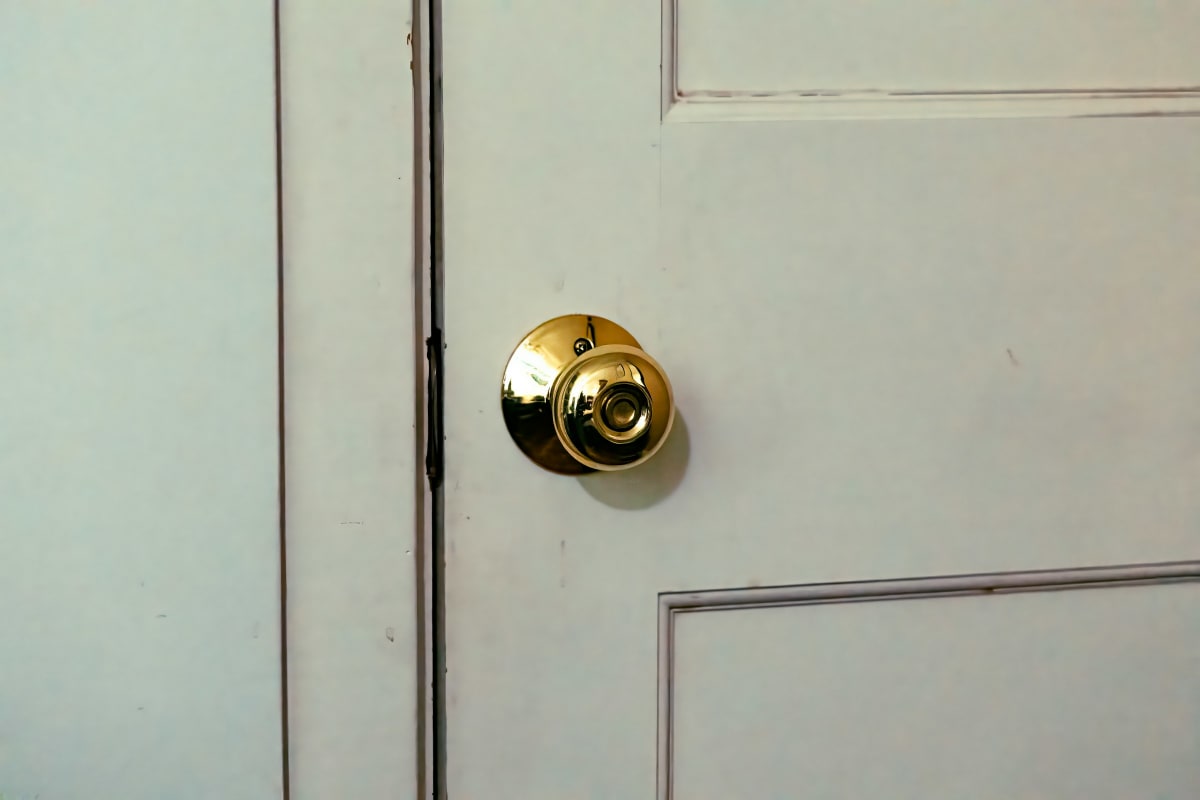
Kwikset’s Keyed Entry function is intended for exterior doors. Bed & Bath gives you privacy on an interior door, while Hall and Closet opens freely from both sides. The easy mistake is choosing by appearance and overlooking the function. For a bedroom that needs privacy, choose Bed & Bath.
A lever is easier to work with an occupied hand when you’re carrying laundry or groceries. Kwikset makes both knobs and levers, so you can choose the grip separately from the locking function. Pull Only knobs stay fixed and have no mechanical latch; they suit doors held closed by a catch or other hardware.
For an entry replacement, Kwikset offers knob and lever packs with keyed-entry and deadbolt locking points. Replacing both together is practical when both are worn or you’re changing the finish. Its handlesets include contemporary, traditional and transitional designs. When replacing an existing handleset, account for the lower mounting hole as well as the lock openings.

Keep keys or move to a touchpad
You can re-key a SmartKey Security lock yourself in seconds. That’s the reason to choose it when you want to keep using keys but change which key works. Austin keyed-entry hardware includes SmartKey.
SmartCode gives you touchpad keyless entry when you’d rather enter a code at the door. For a connected setup, Halo Select is a Wi-Fi and Matter smart lock.
Kwikset covers electronic defects under normal use for one year from purchase; its warranty excludes labor and other installation, repair or replacement costs.
SmartKey padlocks extend re-keying to a separate lock for one-key convenience. Key compatibility belongs on the checklist before you pair a padlock with the house locks.
Get the fit and alignment right
Before fitting replacement hardware, compare the door thickness, existing holes and backset, the distance from the door edge to the hole center. Kwikset provides installation guides. Keep the door open through the first operating checks.
Kwikset’s Keyed One Side deadbolt uses an exterior key and an interior turnpiece. A deadbolt needs a clear path into its strike. Check the turnpiece with the door open and again with it closed; if it binds only when closed, inspect the hinges and strike alignment.
Hardware specifications
| Function or feature | Operation |
|---|---|
| Keyed Entry | Exterior key; interior push or turn button |
| Bed & Bath | Interior privacy locking; outside unlocking with a privacy key |
| Hall and Closet | Nonlocking; opens freely on both sides |
| Pull Only | Fixed knob without a mechanical latch |
| Keyed One Side deadbolt | Exterior key and interior turnpiece |
| Keyed Both Sides deadbolt | Key required to lock and unlock from either side |
| SmartKey Security | User re-keying in seconds |
| SmartCode | Touchpad keyless entry |
Frequently Asked Questions
Is Kwikset a good lock brand?
Yes, Kwikset is a practical choice for residential doors, with products independently tested and certified to meet or exceed ANSI/BHMA standards. That testing matters, but so does the installation: a deadbolt needs to extend fully into the strike without binding.
What is Kwikset SmartKey?
Kwikset SmartKey is a feature that lets you re-key a compatible lock yourself in seconds, changing which key operates it. That’s useful when you want to change access without replacing the hardware. Re-keying changes the mechanical key access; it isn’t the same job as resetting a smart lock or changing an entry code.
Are Kwikset electronic deadbolts all smart locks?
Electronic entry and connected control are different features. A Kwikset touchpad deadbolt gives you code entry, while connected models add features such as Wi-Fi, Matter or home-automation integration. If you want the lock to work with your home system, that connection needs to be an explicit feature of the lock you choose.
How do you unlock a Kwikset door knob?
A keyed-entry Kwikset knob uses its matching key from outside, while a Bed & Bath privacy lock can be unlocked from outside with a privacy key. Those are different locking functions, so the right method depends on which one is on your door. A privacy key isn’t a substitute for an exterior-door key.
How do you install a Kwikset door lever?
For a replacement Kwikset lever, fit the latch into the door edge, connect the lever assemblies through the existing opening and secure them as directed in the installation guide. Check that the latch retracts freely before closing the door. If drilling is needed, mark distances by measurement; a printed guide can come out at the wrong scale.
Ready to Get Started?
Our doors & millwork specialists can help you find the right Kwikset products for your project.