

Honeywell Home thermostats control the temperature in your house, with choices for homeowners who want to adjust it themselves, follow a schedule or use smart controls. Start with the heating system, then choose how you want to control it. The useful choice is the one that fits both your equipment and your daily routine.
Resideo sells Honeywell Home residential comfort and smart-home products under a long-term licensing agreement. Resideo became a separate company through Honeywell’s Homes and Distribution spin-off in 2018. It completed its headquarters move to Scottsdale, Arizona, by early 2022.
Choose how you want to set the temperature
You can keep temperature control simple. The PRO 1000 range includes non-programmable thermostats that you adjust yourself. That’s a practical fit when you prefer making each temperature change at the wall.
Honeywell Home also offers a 5-2-day programmable thermostat, a schedule format that separates weekdays from the weekend. That suits a steady weekday routine with different weekend hours. Program it around when you’re actually home.
For connected controls, the range includes a WiFi 7-day programmable thermostat and a T6 Pro smart thermostat. App compatibility applies to specific Honeywell Home products; match the app to the exact model.
Match the thermostat to the heating system
The range includes a 7-day programmable hydronic thermostat for a water-based heating application. It also includes a manual line-voltage heat thermostat. System compatibility is the first decision because the control has to match the equipment’s electrical requirements. If your system type is unclear, identify it through the equipment documentation or an HVAC professional.

Set, program and install it carefully
With a non-programmable control, you adjust the target temperature yourself. With a programmable control, start with the correct day and time, then enter the temperatures and times that fit your routine. For an occasional adjustment, use the model’s hold or override instructions to establish how long the change lasts.
Select Honeywell Home products support setup without professional installation. For a replacement, shut off power to the equipment, photograph the existing connections and label wires by their terminal markings before disconnecting them. Improper wiring or configuration can cause unintended equipment operation. Follow the exact model’s installation instructions for both wiring and system setup.
Other Honeywell-labeled products
The broader Honeywell-labeled product mix includes thermostat guards and space heaters for HVAC work. Plumbing items include water-leak alarms and thermocouples. Electrical items include coaxial cable.
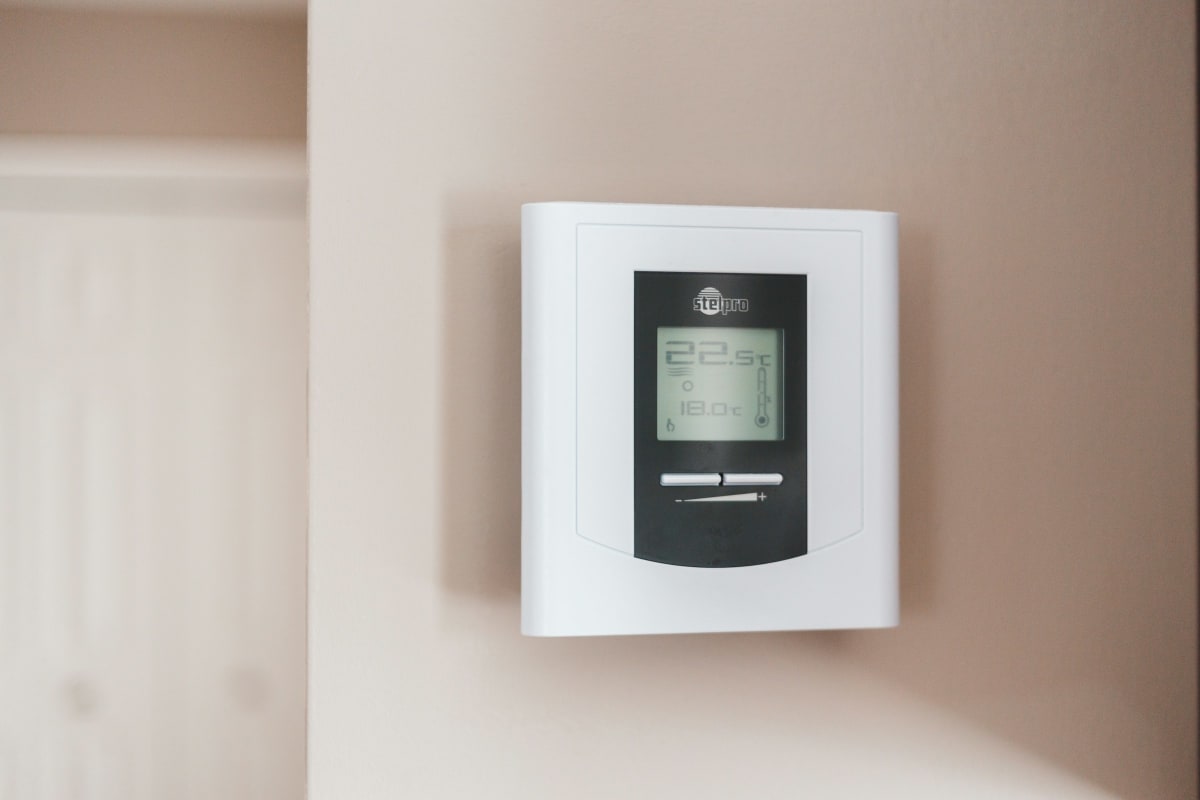
Thermostat specifications
These model identifiers distinguish the control types when matching a thermostat to its instructions.
| Thermostat | Model | Control type |
|---|---|---|
| PRO 1000 vertical | TH1110DV1009/U | Non-programmable |
| 5-2-day programmable | RTH6360D1002/E | 5-2-day programmable |
| WiFi 7-day programmable | RTH6580WF1001/U1 | WiFi, 7-day programmable |
| T6 Pro smart | TH6320WF2003/U | Smart |
| Hydronic | TL8100A1008/U | 7-day programmable hydronic |
| Manual line-voltage heat | TH401/U | Line-voltage manual TRIAC heat |
Frequently Asked Questions
How do you install a Honeywell thermostat?
Match the replacement to your heating system before touching the wiring. Select Honeywell Home thermostats support homeowner installation, but the connections and system setup depend on the exact control and equipment. Shut off power before disconnecting wires, label them by their existing terminal markings, and follow the replacement’s installation instructions. If you aren’t sure what system you have, the equipment literature or an HVAC professional can settle that first.
How do you set a Honeywell digital thermostat?
Adjust the target temperature to the temperature you want the room to reach. The room-temperature reading and your target setting mean different things, so they don’t have to match immediately. If your thermostat runs a schedule, its hold or override instructions explain whether your adjustment stays in place or ends at the next scheduled change.
How do you program a Honeywell Home thermostat?
Set the day and time first, then enter when you want each scheduled temperature change to happen. A 5-2-day programmable thermostat separates weekdays from the weekend, which suits a consistent workweek. Allow for the time your house takes to warm up; setting the heating schedule to change when you walk through the door can leave you waiting for comfort.
How do Honeywell thermostats work?
A thermostat compares the temperature it senses with the temperature you’ve selected and signals the connected equipment when heating or cooling is needed. A programmable thermostat changes that target according to your schedule. Its location matters: a reading affected by a draft or direct sunlight can leave the rest of the room feeling different from what the display suggests.
Ready to Get Started?
Our building materials specialists can help you find the right Honeywell products for your project.