
Bosch tools and accessories give carpenters and remodelers saws, stands, blades, and measuring tools for cutting and layout work. That range covers the cut, the workpiece support, and the reference line. Build your setup around the work you repeat most.
Bosch is the brand of Robert Bosch GmbH, headquartered in Gerlingen, Germany. Robert Bosch founded the company in Stuttgart in 1886. The charitable Robert Bosch Stiftung owns 94 percent of Bosch. Its consumer-goods business includes both power tools and household appliances, so the Bosch name on those products belongs to the same company.
Table saws and miter saws
A table saw is the tool for ripping boards to width. A miter saw handles repeated crosscuts and angled cuts in trim. Let your regular cuts decide which comes first.
When comparing Bosch table saws, look at each model’s cutting capacity, fence adjustment, and support arrangement. A fence that takes fussing to set slows every repeated rip. Match capacity to your widest regular workpiece, and account for the room that piece needs beyond the saw.
Sheet goods also need support as they enter and leave the cut. Wrestling a panel makes it harder to maintain an even feed against the fence. Plan the infeed and outfeed support before positioning the saw.
Saw stands and long stock
Confirm a stand’s mounting compatibility with your exact saw, then check its load rating and work supports. Long trim needs support at the saw-table height; a sagging board can shift as you cut. Check the folded dimensions against the vehicle and doorways the stand needs to pass through.
Jigsaw blades and the finished edge
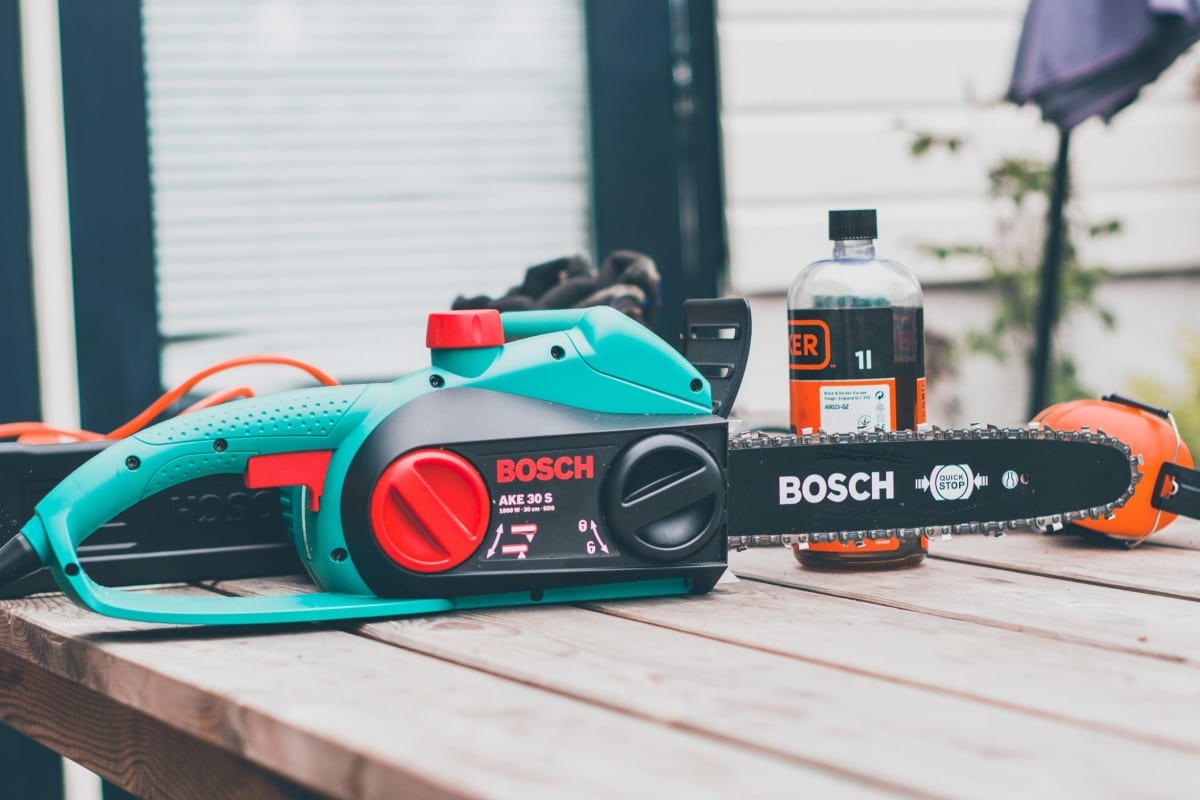
Choose a Bosch jigsaw blade by the material, thickness, and shape of the cut. Check its stated application and shank fit for your saw. Tight curves call for a blade intended for curved work.
For an exposed edge, cutting direction matters when deciding which face goes up. Support the piece close to the cut and keep the shoe seated. Make a trial cut in an offcut of the same material to judge the edge quality at your intended feed rate.
Laser levels and measuring tools
For cabinet layout, place the laser level on a stable support and follow that model’s leveling procedure. Establish the cabinet reference height, then position the horizontal line at that mark. With base cabinets, account for the floor’s high point so the full run has room to sit level.
Keep a marked reference point to check the setup after moving the laser. If something seems off, check the support and leveling status, then follow the manual’s accuracy-check procedure. Recheck the reference after a bump.
A laser distance measure gives you a dimension between points. A line laser gives you an alignment reference. When measuring a room, check where the distance measure starts its reading and keep that reference consistent.
A stud finder helps locate likely framing for cabinet fasteners. Wall layers and concealed materials can complicate the reading. Follow the setup procedure for the wall surface, scan from both directions, and confirm the framing before fastening cabinets.
Compare the individual tool
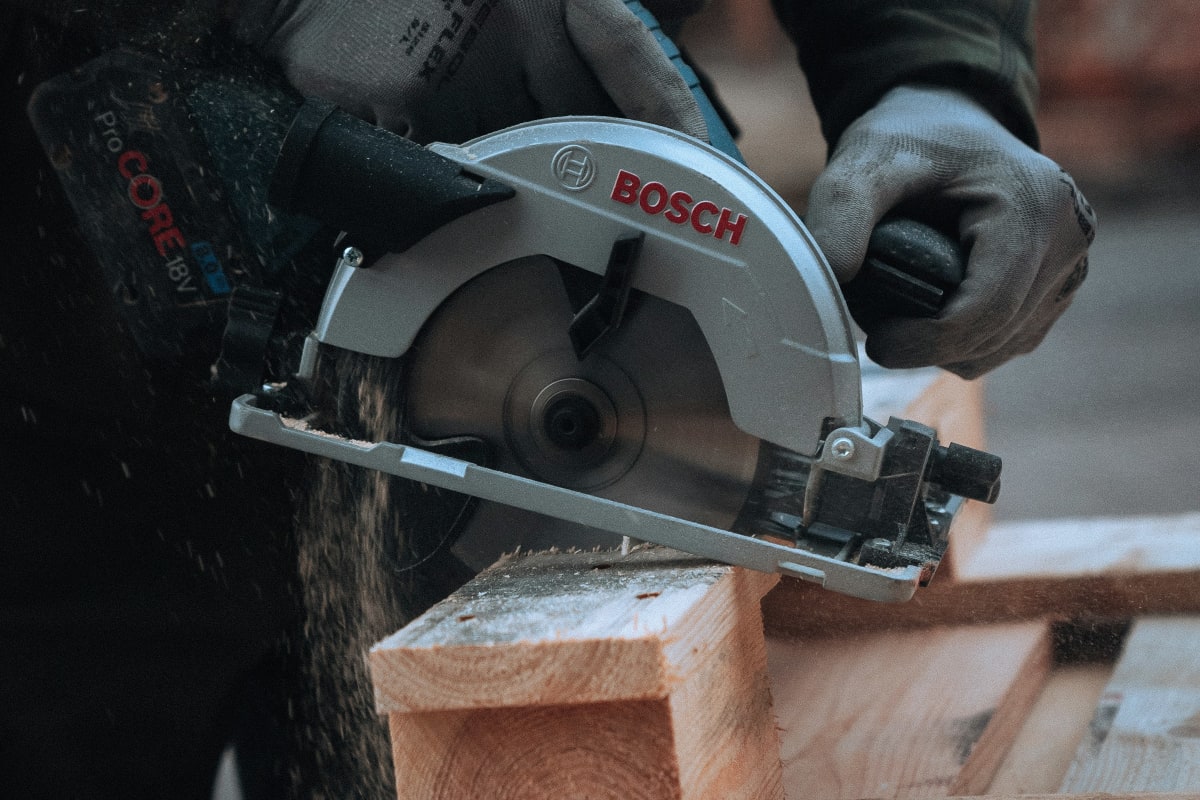
Choose your Bosch setup using the individual model’s stated capabilities. For a saw, compare cutting capacity and workpiece support against your regular cuts. For a laser level, compare stated accuracy and operating conditions against the distance and setting of your layout work.
Frequently Asked Questions
How do you use a Bosch laser level?
Set your Bosch laser level on a firm support and follow your model’s leveling procedure. Mark the height you need, then position the horizontal line at that mark. Make pencil marks where you’ll need the reference after moving the tool. If it gets bumped, recheck the setup before continuing your layout.
Ready to Get Started?
Our tool specialists can help you find the right Bosch products for your project.